
Free recruiting tools
Free Basketball Recruiting Tools for Families
Updated Nov 11, 2026
Coaching and research tools only — not guarantees of offers, scholarships, playing time, or eligibility.
How to use these tools
-
Plan
Map your grade-by-grade timeline, shortlist programs, and outline the film coaches should see.
-
Reach out
Draft intro emails, log every coach contact, and set follow-up dates on your device.
-
Decide
Compare offer worksheets side by side with net cost notes before you talk with your family.
-
 Step 1
Basketball recruiting timeline
Grade-by-grade checklist with NCAA calendar links and on-device progress.
Open tool -
 Step 2
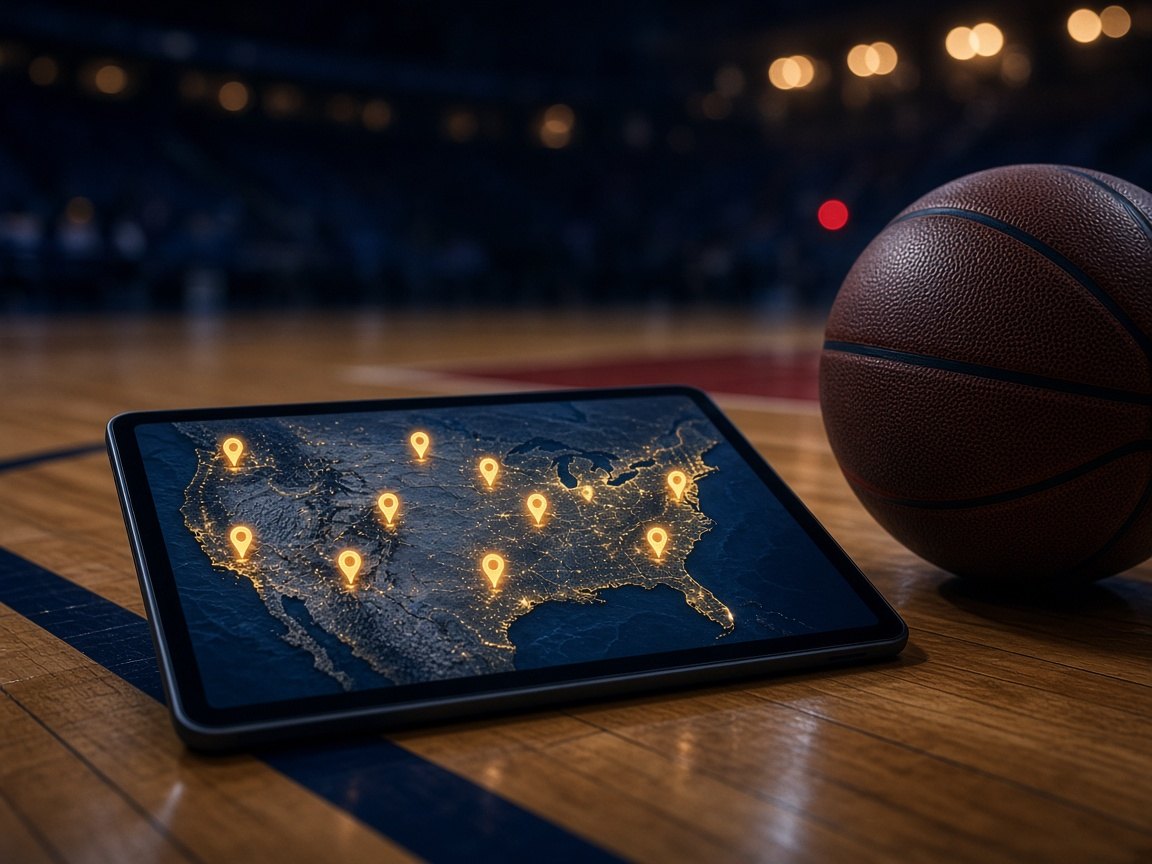
College basketball school list builder
Search Division I programs and save schools with federal cost and location data.
Open tool -
 Step 3
Highlight video checklist
Plan a 2–4 minute reel, full games, and Hudl or YouTube links coaches can open.
Open tool -
 Step 4
Coach email template builder
Draft film-first intro copy you send from your own email app.
Open tool -
 Step 5
College coach contact tracker
Log outreach, responses, follow-up dates, and export CSV on your device.
Open tool -
 Step 6
Scholarship offer comparison
Compare up to four offers with net cost math and written promise notes.
Open tool


Frequently asked questions
Are these basketball recruiting tools free?
Yes. Each tool is free to use in your browser. There is no account and no paywall.
Does FCP store my school list or emails?
No. Saved data stays in localStorage on your device unless a tool is browse-only. FCP does not receive your lists, logs, or offer figures.
Which tool should I start with?
Most families start with the recruiting timeline, then build a school list, prepare film, and draft intro emails before logging coach contacts.
Do these tools replace talking to college coaches?
No. They help you prepare. You still communicate with programs directly and verify aid and eligibility with each school.